How to Manage Telegram Leads with GeekGram
Learn how to manage Telegram leads with GeekGram. Connect team accounts, route inbound inquiries, translate replies, and test one workflow.

To manage Telegram leads with GeekGram, connect a business account, give prospects a way to start a chat, and assign each inquiry to someone who can follow up. Once that works, add translation, saved replies, and automation for routine messages.
Suppose your SaaS team puts a Telegram contact link on its demo page. A prospect clicks it and asks about pricing. Your team needs to see who received the inquiry, reply in the prospect’s language, and agree on a next step. These six steps show how to test that workflow with one account before adding more.
1. Learn the Terms You Will See in GeekGram
Term | What it means |
Port or account slot | A slot in your GeekGram plan for one connected Telegram account. |
Account connection | Linking a Telegram account your business is authorized to manage. |
Session-based sign-in | A sign-in method that uses an existing authenticated Telegram session. Protect session credentials as you would other login credentials. |
Admin workspace and agent seats | Admins assign accounts and permissions. Agents work from their assigned seats. |
2. Connect an Account and Assign Access
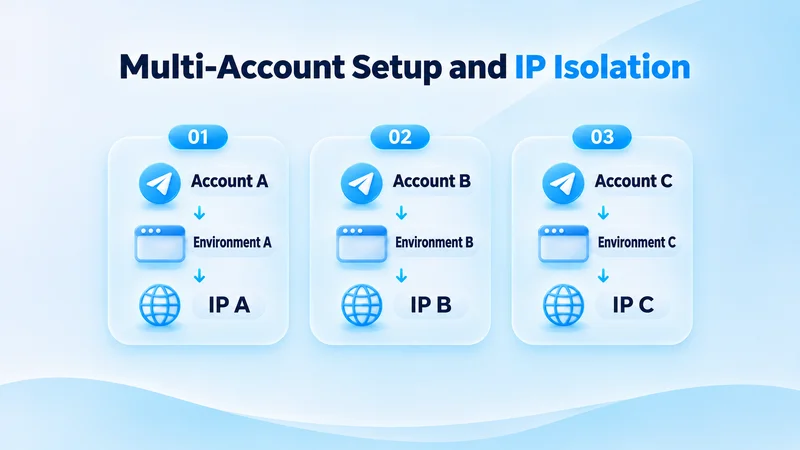
In the admin workspace, connect a Telegram account your business controls using the available sign-in option. If your team works across markets, label accounts by language, region, or business unit. Assign the account to the agents who will cover it. Have one agent open their workspace and confirm the account appears before you start receiving inquiries.
3. Route Inbound Inquiries to the Right Agent
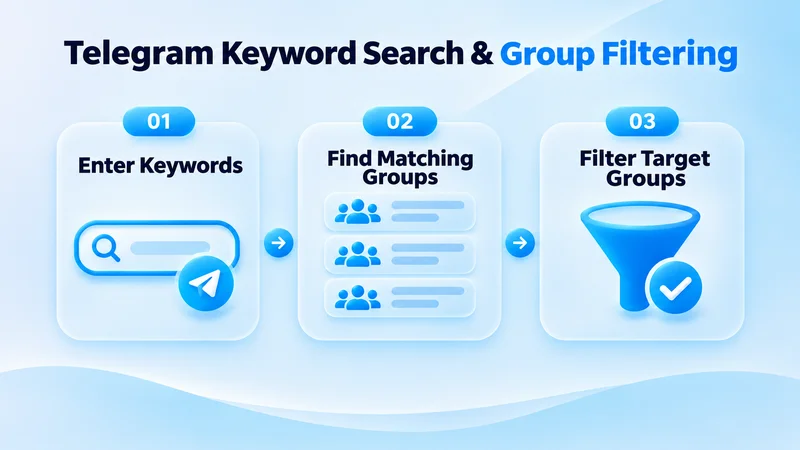
For Telegram lead routing, open the routing-link settings in GeekGram’s work order area. Create a link, choose the assignment mode, select the seats that should receive new chats, and set an expiration if needed. Place the link on a relevant page, such as your demo or contact page.
Ask a teammate to open the link and start a test chat. Check which seat receives it and whether the agent can reply. Use topics from incoming messages, such as pricing or product fit, to decide where each conversation belongs.
4. Use Translation and Saved Replies in the Inbox
GeekGram’s two-way translation helps agents read and answer customer messages across languages. Saved replies give the team a starting point for common questions about product features, demo availability, or onboarding.
Before sending a translated reply, verify details that matter to the request, such as dates, time zones, and plan names. If the conversation passes to another agent, record what the prospect asked for and the next step they agreed to.
5. Automate Routine Replies
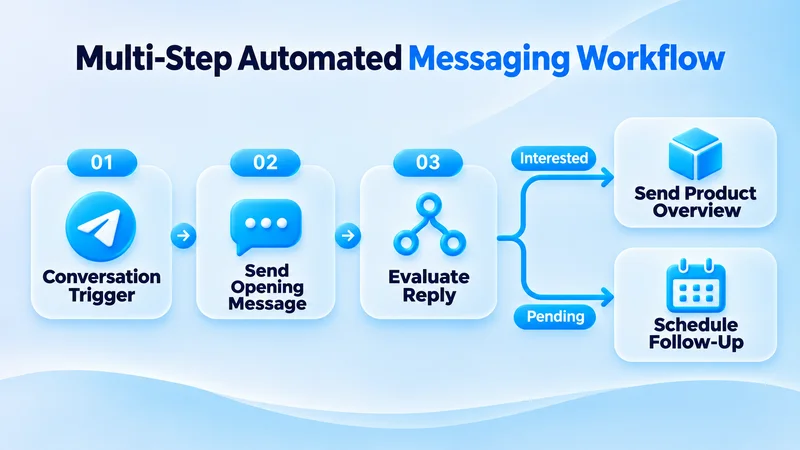
Start Telegram lead generation automation with a brief acknowledgment for incoming inquiries. For example, thank the prospect for getting in touch and ask whether they want a demo or help with setup. Preview the reply in a test chat, then give agents a way to pick up questions about quotes, billing, or anything that needs review.
For follow-up messages, use the topic and timing the prospect agreed to. Give them an easy way to stop updates, and remove opt-outs from future sends.
6. Review Permissions and Measure the Workflow
Review which agents can use each account and remove access when someone changes roles. During a shift handoff, the next agent should know who owns the inquiry and what they need to do next. Track time to first reply, qualified inquiries, and booked demos. If initial replies are fast and demos are rare, review the questions agents ask before booking a meeting.
Frequently Asked Questions
How many GeekGram ports do I need?
Count the Telegram accounts your team plans to connect. Begin with the accounts needed for a single workflow. New users can try GeekGram free for 3 days with 200 ports. Check the offer page for current eligibility and terms.
What should I do if Telegram restricts messaging?
Pause the affected workflow and review the account notice. Check how recipients opted in and whether the messages matched what they requested. If you believe Telegram applied a spam restriction by mistake, contact its official support bot, @SpamBot.
What should a new team test first?
Send one test inquiry from your contact page. Confirm that the right agent receives it, can answer it, and can pass it to the next shift with a clear follow-up action.
Try Your First GeekGram Lead Generation Workflow
Connect one team-managed account and put a routing link on a page where prospects already ask for help or request a demo. Test the route from the prospect’s first message to the agent’s next action.
Originally published by Geekgram博客. Please credit the source when reposting.