Can Telegram Lead Generation Software Get You Banned?
Learn why Telegram restricts messaging, which outreach can trigger spam reports, and how to test a lead generation workflow with opted-in users.

Telegram can limit who an account may contact after a confirmed spam report and can ban accounts for more serious violations. Before using Telegram lead generation software, check who expects to hear from you, what they agreed to receive, and how your team will handle replies and opt-outs.
What Telegram lead generation software does
This category includes tools for capturing inbound inquiries, organizing Telegram customer outreach, and managing conversations across business accounts. Teams can use a shared inbox, saved replies, or translation to respond to customers and hand conversations between agents.
Use case | How to use Telegram |
Demo requests and customer support | Reply when someone starts a chat or asks your team to follow up. |
Product updates | Post to a channel that people choose to join, or send updates to contacts who opted in to receive them by DM. |
Community operations | Share relevant updates in your own community or where group rules permit them. |
For example, a SaaS team can link to its Telegram chat from a product page so prospects can ask about a demo. If the team also wants to send product updates, it can offer a separate opt-in during the conversation.
What leads to Telegram account restrictions
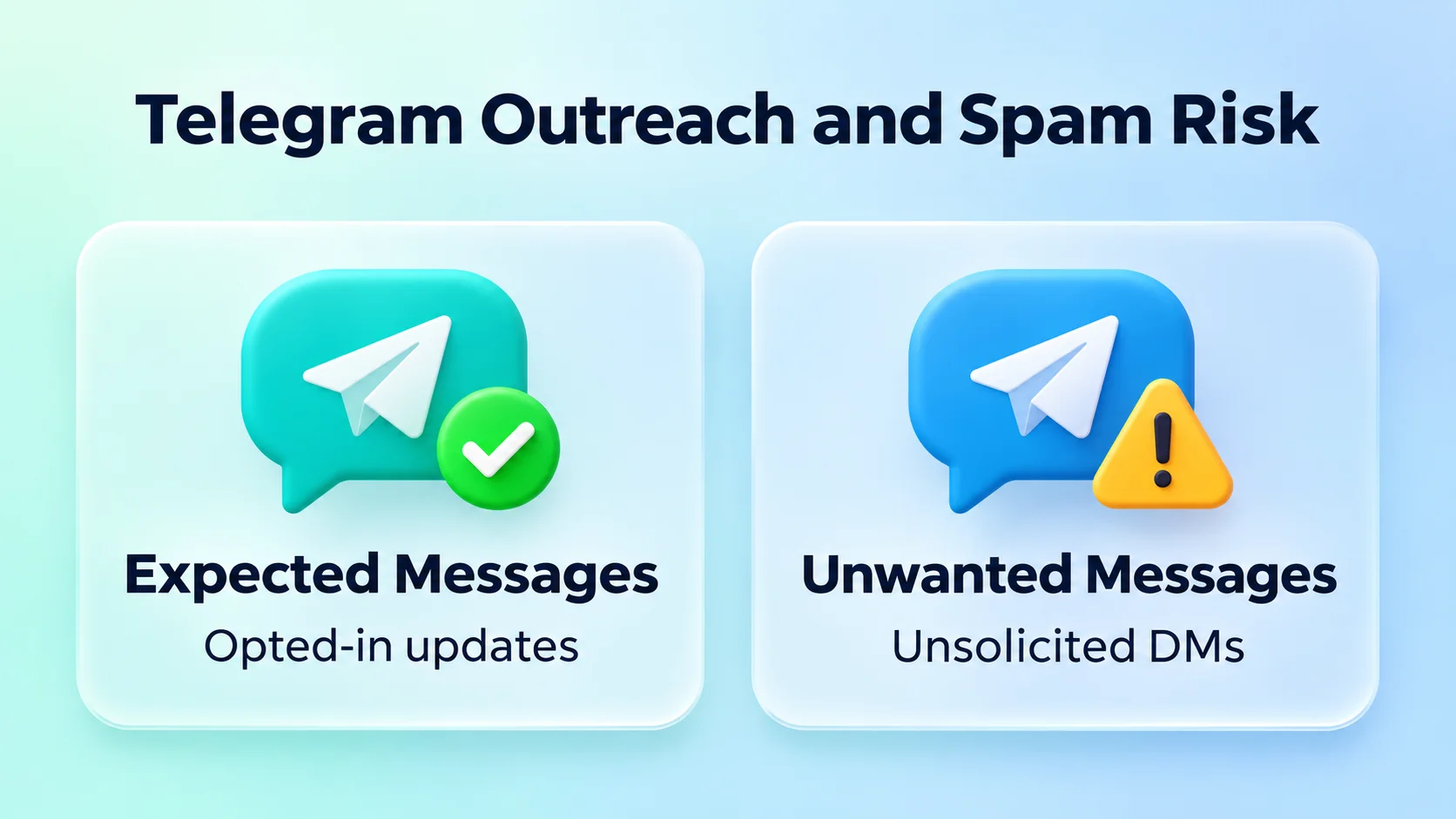
Telegram says moderators can review messages that recipients report as spam. Unwanted promotions, invites, or direct messages to strangers can lead to restrictions. Group admins can also report spam, and repeated violations can lead to longer restrictions. Telegram Spam FAQ
Review campaigns that open unsolicited chats, repeat the same promotion to people who did not ask for it, or keep messaging users after they opt out. If you receive a complaint or platform notice, pause the affected workflow and review the recipient list, message, and schedule.
Four common misconceptions
Installing a tool guarantees a ban.
Evaluate what the tool can do with your account and whether recipients expect the messages it sends. Review its permissions before connecting a business account.
Changing tools or accounts clears the problem.
Review the campaign that generated the complaint or notice and hold the affected tasks until the issue is resolved.
A vendor can guarantee ban-free outreach.
Judge the tool by how well it helps you record consent, pause campaigns, and honor opt-outs. Telegram handles enforcement.
Sending more messages produces more qualified leads.
Track how many recipients opted in, how many reply, and how many take the next step, such as booking a demo. Log opt-outs, complaints you receive, and account notices.
How to test an opt-in outreach workflow
Choose a small opt-in group.
Record how each user agreed to receive this type of message. Tell recipients what to expect and how to stop messages. Follow Telegram's terms and the marketing and privacy rules that apply to your audience.
Send one relevant update.
Use the sender and topic recipients expect. Log the audience, message, sender, and time. Record the available message status and assign someone to handle replies and opt-outs.
Review the next 24–72 hours.
Use this as an internal review window. Check replies, opt-outs, complaints that reach your team, and any Telegram notices. Pause the send if you see a restriction or feedback that the messages were unwanted.
Expand after review. Confirm the team can handle replies and remove recipients who opt out. Resolve any issue and wait for Telegram to lift any relevant restriction before resuming the affected activity.
Frequently asked questions
Why can I reply on Telegram but not start new chats?
If your account has a spam-related limit, Telegram says you can still message people who have saved your number and reply to people who contact you first. Check Telegram's notice to see which actions it restricts. Telegram Spam FAQ
Can I send promotional DMs to Telegram group members?
Post relevant announcements in the group with the admins' permission and according to group rules. Ask members to opt in separately before sending them promotional DMs.
What should I do if Telegram restricts my account?
Pause the affected workflow and read Telegram's notice. If you believe Telegram applied a spam limit by mistake, contact its official bot. Open @SpamBot
Manage Telegram accounts with GeekGram
Use GeekGram for Telegram multi-account management. Bring business conversations into one workspace, check account status, and assign accounts to support agents. Start with a few team-managed accounts to test reply coverage and shift handoffs.
New users can try GeekGram free for 3 days with 200 ports. See the offer page for eligibility and availability.
Originally published by Geekgram. Please credit the source when reposting.